Where to Actually Find Good Reference
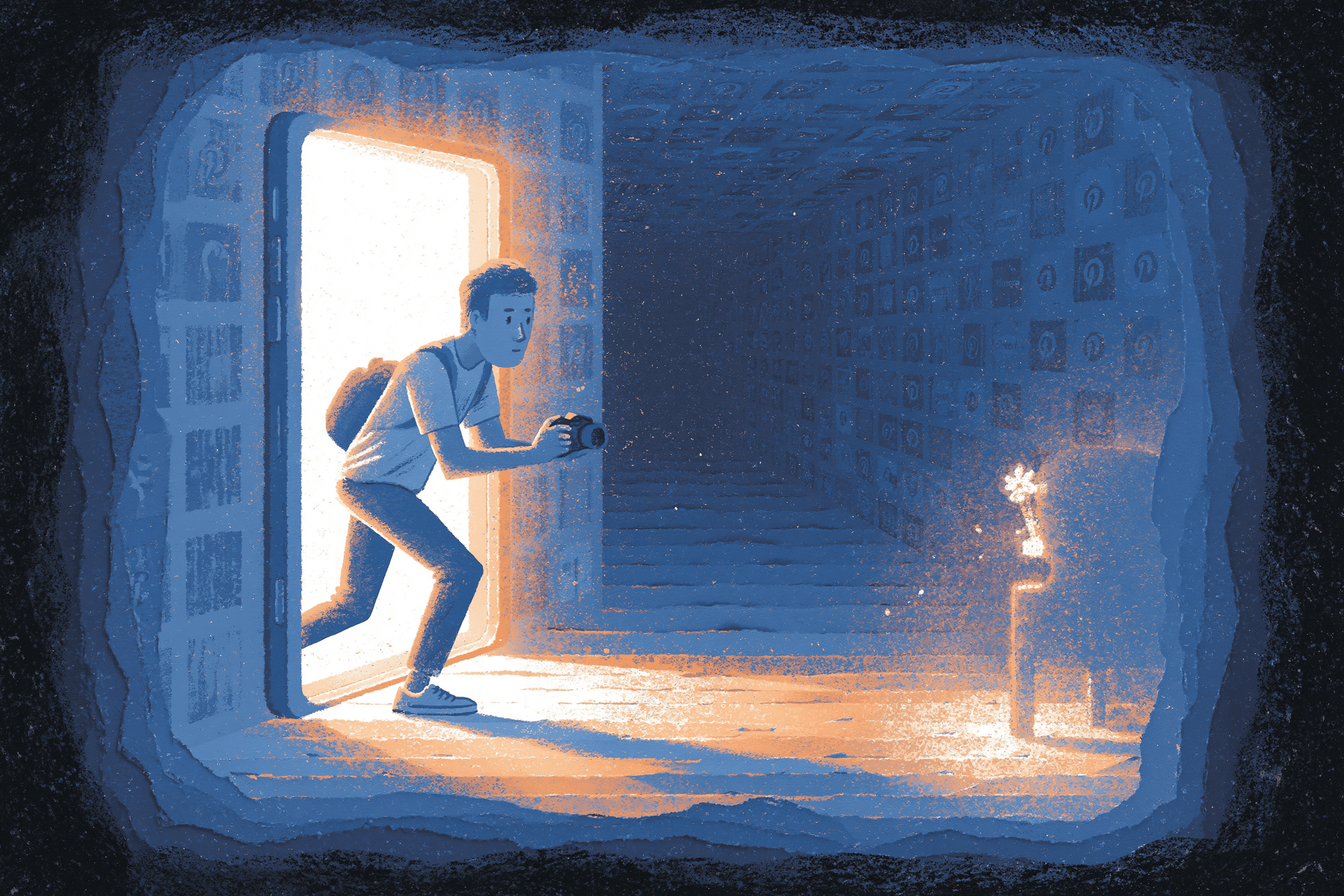
Most lists of "best reference sites" just send you to the same five stock photo libraries. That may work if you need something common like landscapes, but it’s not as helpful when you’re designing a logo or searching for a specific mood you can’t quite name.
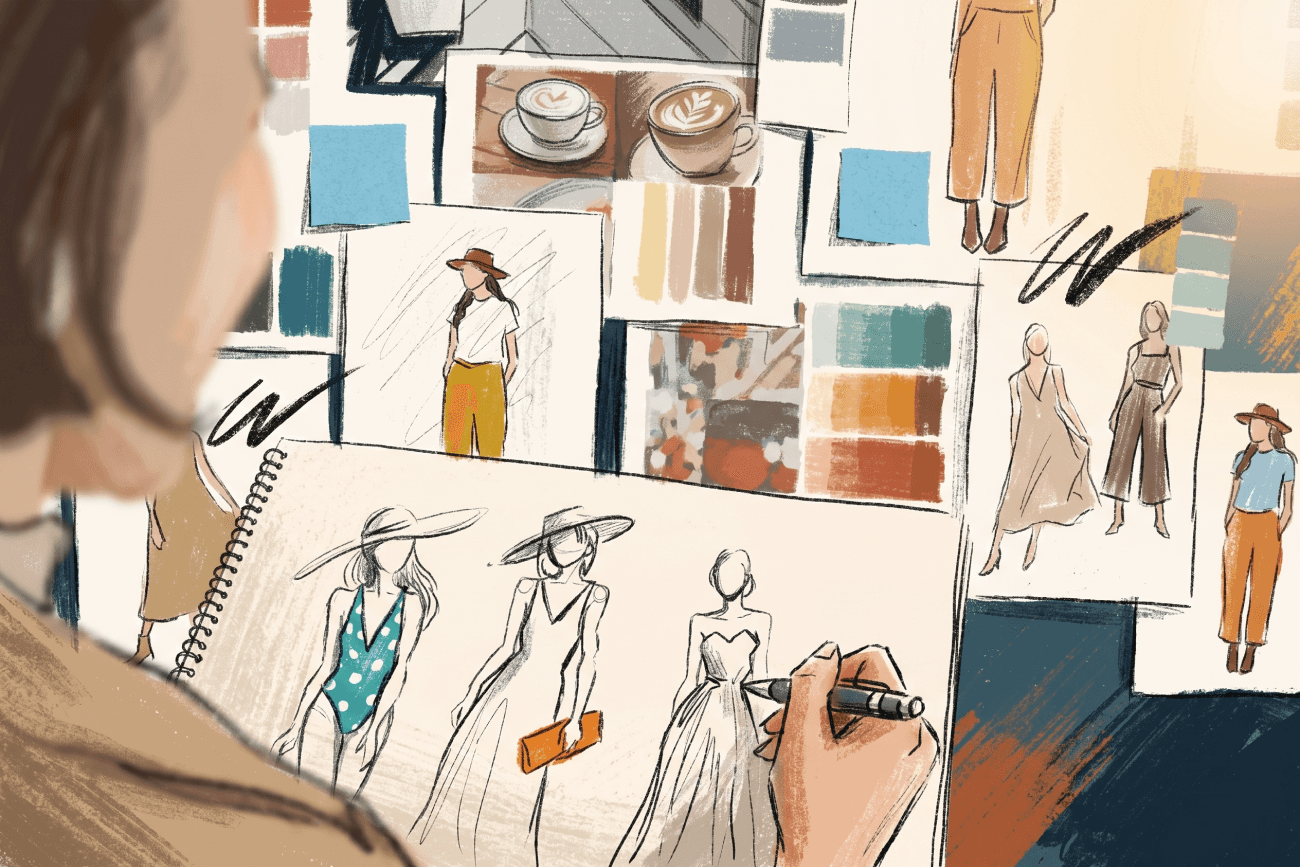
This list is for people who work across different design areas. Maybe you illustrate in the morning, work on UI in the afternoon, and pitch branding ideas at night. I’ve grouped the sites by what you need to accomplish, not by their type. Finding anatomy for a gesture is a different task than looking for brand inspiration or searching for a unique texture. Each job needs its own tools.
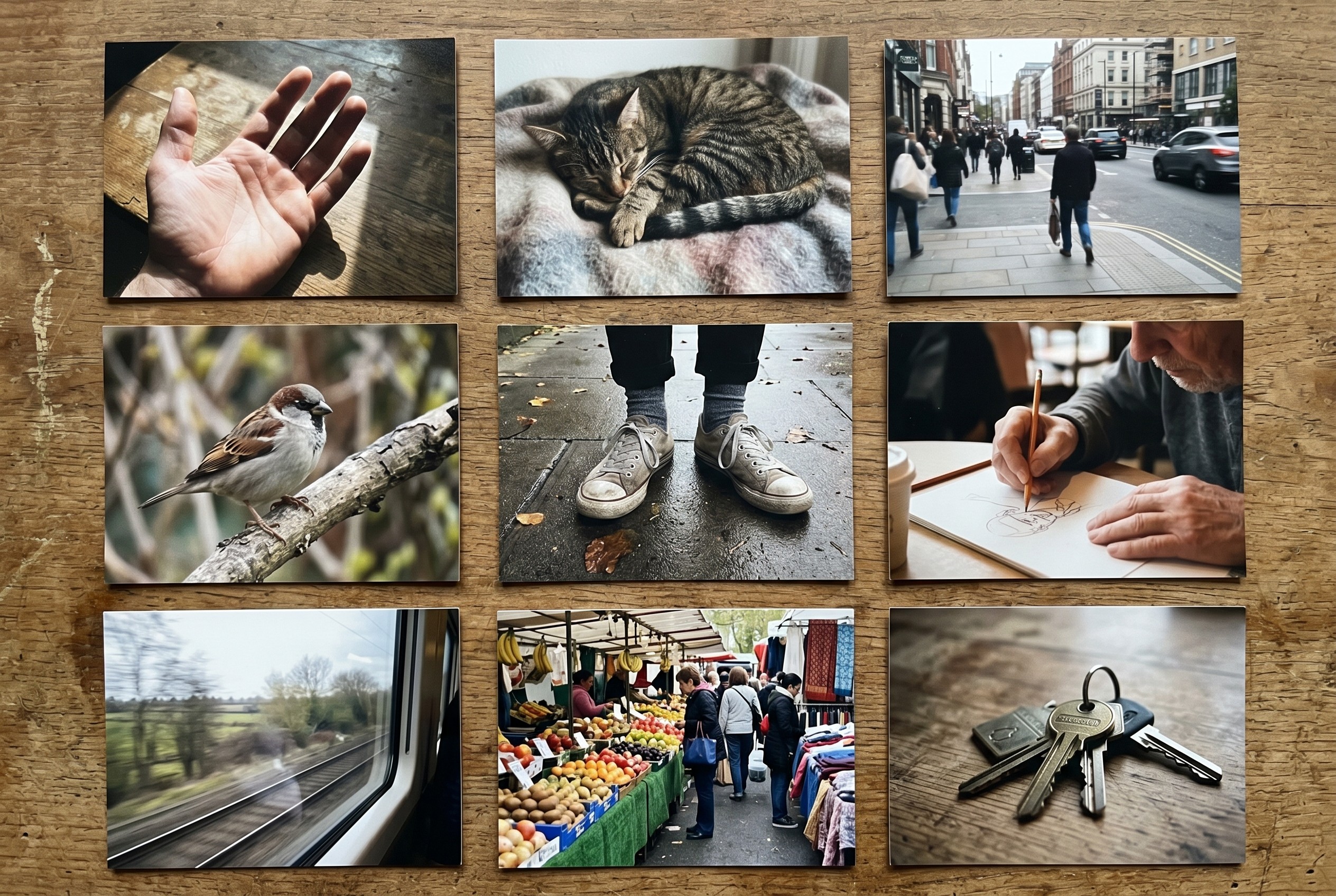
For photo reference: anatomy, pose, lighting, real-world objects
Unsplash, Pexels, and Pixabay are the obvious trio. Unsplash has the best-looking photos, but they’re also the most common, so you’ll see the same images on many portfolios. Pexels offers more variety. Pixabay is a good backup if the first two don’t have what you need. All three are free and reliable.
Line of Action is a timed pose practice. You pick a duration, a category (figure, animal, expression, etc.), and it gives you references on a timer. It may be the easiest way to fix a rusty gesture muscle without signing up for a life drawing class.
Wildlife Reference Photos and Paint My Photo were created by artists who wanted something better than standard stock photos. These sites offer real lighting, real animals, and unusual angles. Paint My Photo also has a community that encourages you to use the photos for painting, which is pretty rare.
SketchDaily’s reference tool works like Line of Action but has a different interface and focuses more on figure drawing. Check which one you prefer.
Don’t overlook your own camera roll. It’s probably the most underused reference source you have. The way light falls on your kitchen table at 4pm is unique, and only you have that photo. Spending five minutes taking a picture of your own hand in the pose you need can save you an hour searching online.
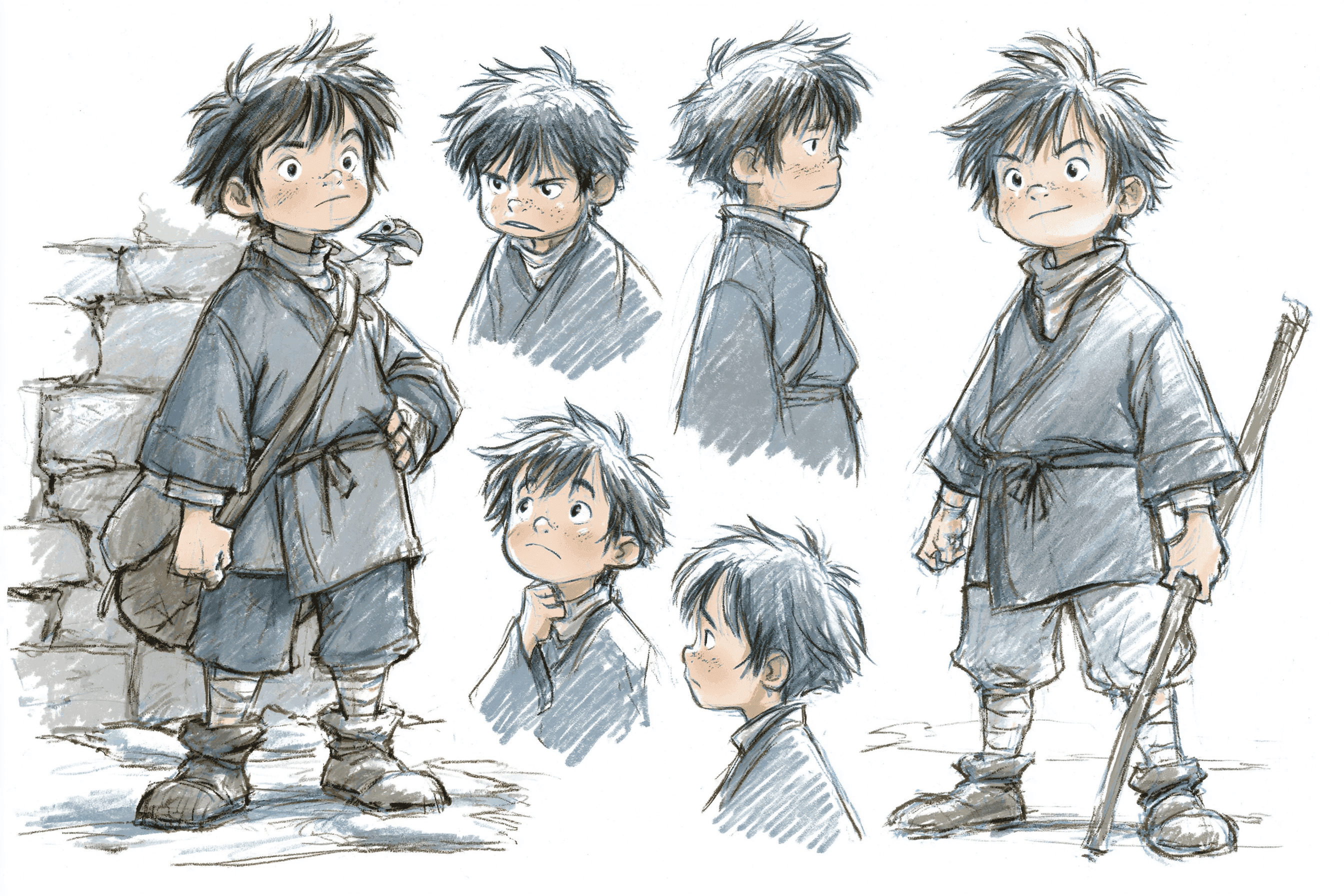
For character design, concept art, illustration
Character Design References remains one of the best-curated collections of production art, turnarounds, and model sheets online. It’s a great starting point if you want to see how professionals develop and present characters.
Pinterest counts, too, but use it the way it's meant to be used (see the dedicated section below).
ArtStation is a popular choice, and for good reason. Its search works well once you start using quoted phrases and browsing by keywords instead of just looking at what’s popular.
If you work with animation and haven’t seen Sakugabooru, it’s worth bookmarking. The site is a curated archive of key animation scenes, all tagged by animator, studio, show, and technique. The tagging system itself is a great learning resource.
Film-Grab and Shotdeck are both great for finding film stills. Film-Grab is free and organized by movie. Shotdeck is a paid service that lets you search by color, lens, shot type, time period, and more. Basically, anything a cinematographer might need. If you’re designing characters in context or thinking about how lighting affects mood, film stills offer references that photographers often miss.
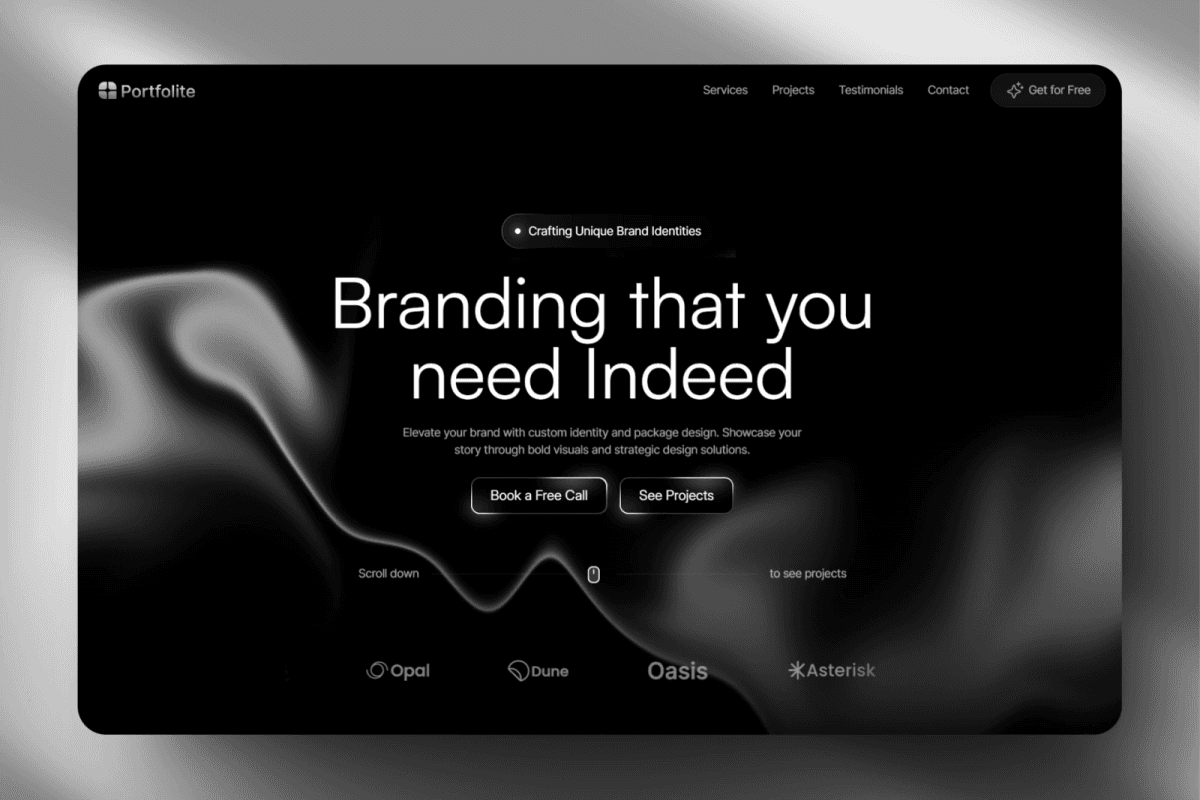
For UI, web, and product design
Mobbin, Refero, and Page Flows are top choices for app screen libraries. Mobbin covers iOS and Android most thoroughly. Refero is helpful for web product flows. Page Flows organizes examples by complete user journeys, which is especially useful when you’re designing the whole flow, not just individual screens.
If you’re looking for more ambitious web design, check out Godly, Awwwards, and SiteInspire. Godly focuses on experimental and unusual designs. Awwwards showcases current award-winning sites. SiteInspire offers the best filtering options of the three.
Land-book and Lapa Ninja both specialize in landing pages. If you’re struggling with a hero section, spending an hour on either site is more productive than hours spent staring at your design software.
Design system galleries like Adele are helpful when you want to see how many different companies have solved the same design problem.
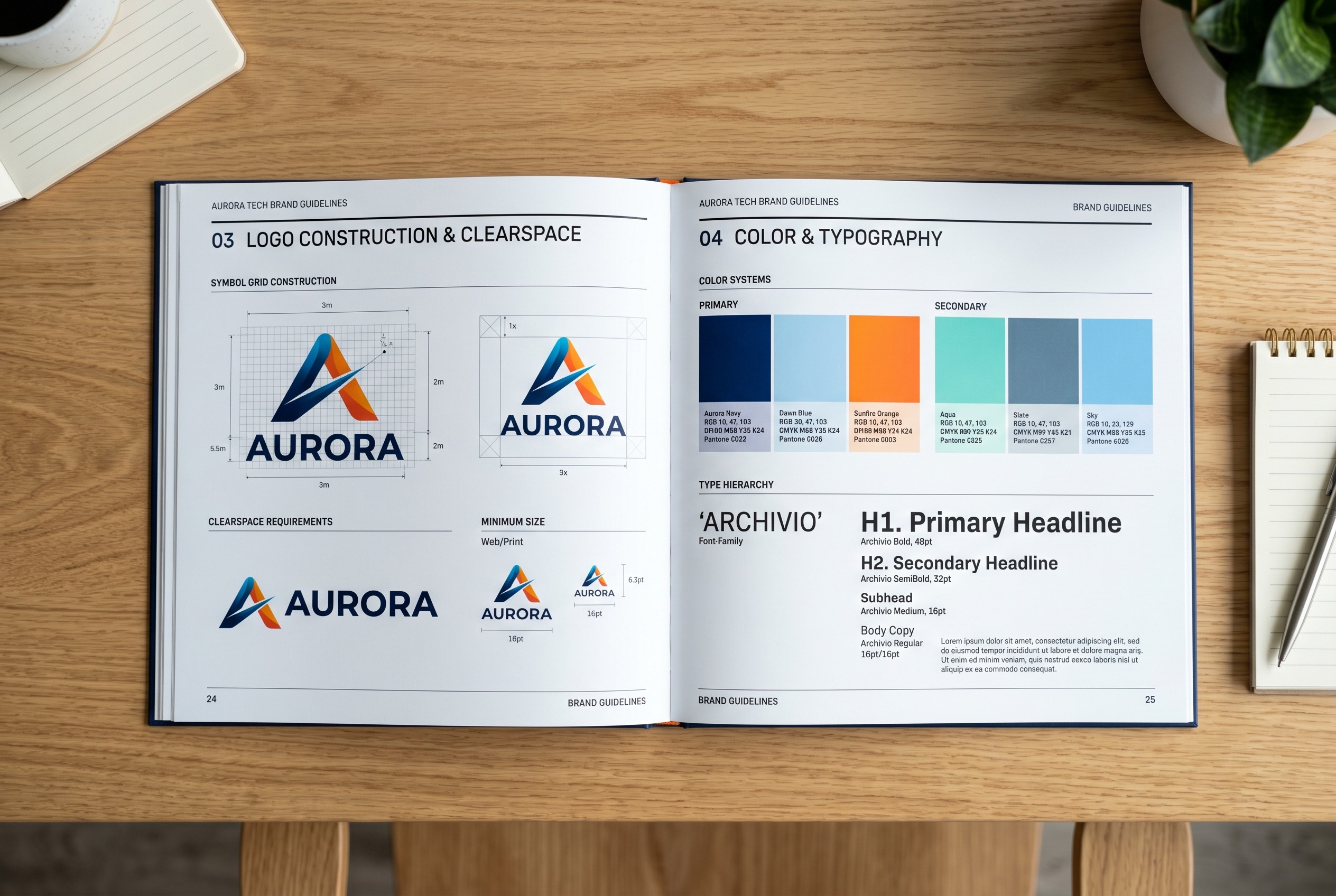
For branding, logos, identity
Brand New is a leading archive of identity work, and each post includes thoughtful commentary. Even if you’re not interested in a particular redesign, reading the critiques can help you learn. The vocabulary in Armin Vit’s writing can make you a better designer.
Logo Archive is a well-organized collection of over 5,000 logos, with plenty of interesting examples to explore.
Brand Guidelines Archive features actual brand books from real companies, scanned and shared online. It’s worth exploring whether you’re starting a new identity project or want to see how major brands explain their design choices.
Fonts In Use is a searchable archive of real-world typography. If you want to see every project that used GT America, you can find it here. Curious about how Helvetica appeared on album covers in 1972? That’s here too.

For texture, mood, atmosphere, a vibe
Are.na stands out as a unique resource. Unlike Pinterest, it’s slower, quieter, and more thoughtful. People use Are.na to create ongoing research channels focused on specific ideas, and you can follow these channels to see how others think. While it doesn’t have as much content as Pinterest, the quality is much higher.
Cosmos is a newer, design-focused alternative. It shares some of Are.na’s thoughtful approach but offers a visual browsing experience more like Pinterest.
Designspiration is a long-time favorite and still works well. Its color-based search remains one of the best ways to find color palettes online.
Tumblr is still active and valuable, especially for certain aesthetics like (90s anime, analog horror, liminal spaces, or any subculture that started before Instagram. It’s still a great place to find original references, so don’t overlook it.
Pinterest: use it, but use it right
Pinterest is the most popular and often misused reference source online. Many of the criticisms are valid. There’s a lot of AI-generated content, the algorithm encourages collecting too much, and search results become less relevant the more you scroll.
Still, there’s plenty of good reference material on Pinterest. The key is to use it as a tool, not just as a feed to scroll through.
A few rules that help:
Create private boards instead of public ones. You’re not curating for others. You’re building a tool for yourself. Private boards let you save any reference you need without worrying about how it looks to others.
Make one board for each project. A general board like "character design" can get cluttered, but a specific board for a project like "witch character, forest-themed, late 2024" remains useful until the project is done, and then you can archive it.
Pin fewer items. Try to collect twenty or thirty pieces you’d actually look at and study. Having too many just creates clutter. If you wouldn’t open the image in a new tab, don’t pin it.
The problem nobody talks about: what happens after you find it
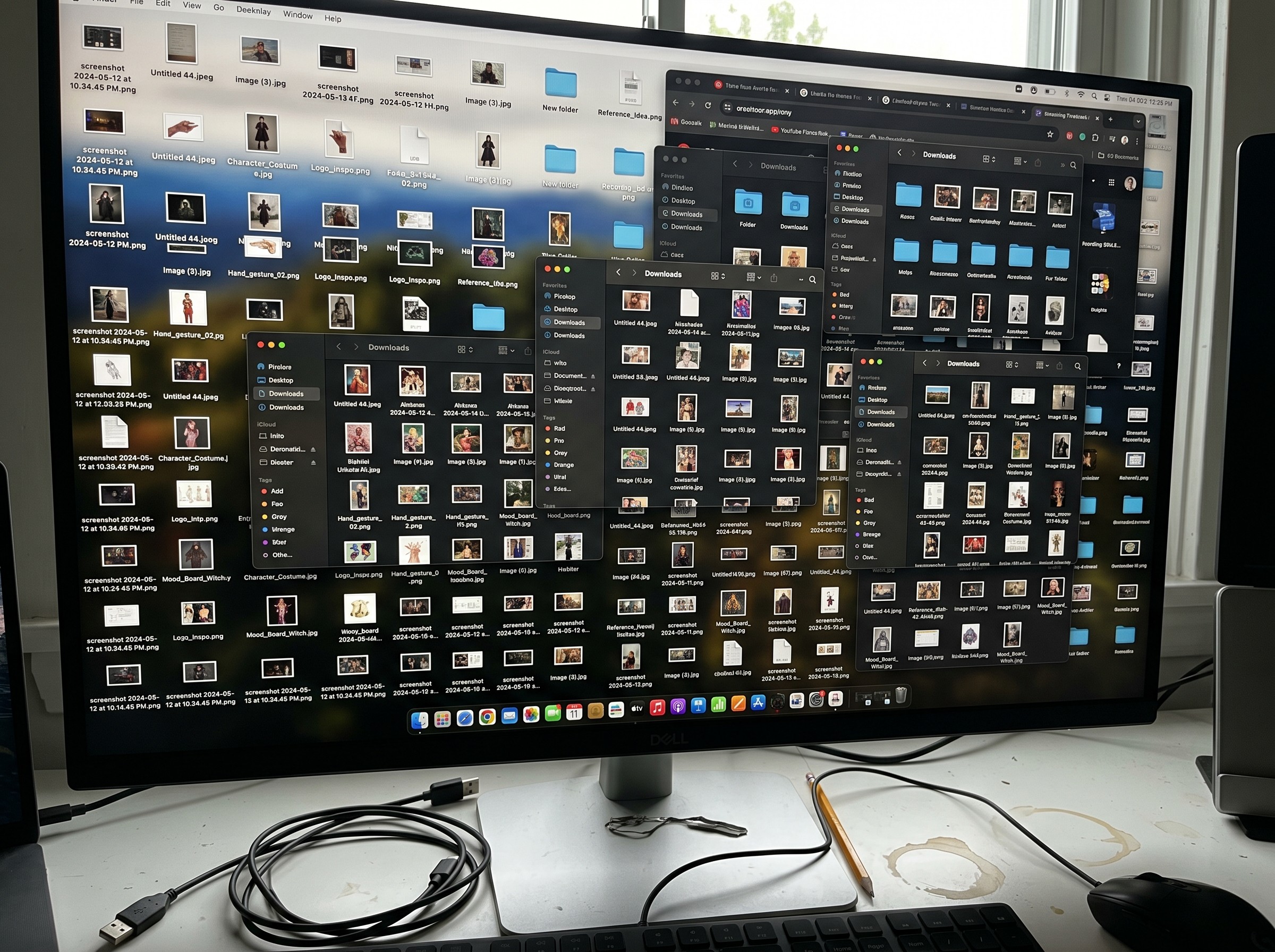
Even with the best reference sources, it’s easy to end up with hundreds of unsorted screenshots in your Downloads folder.
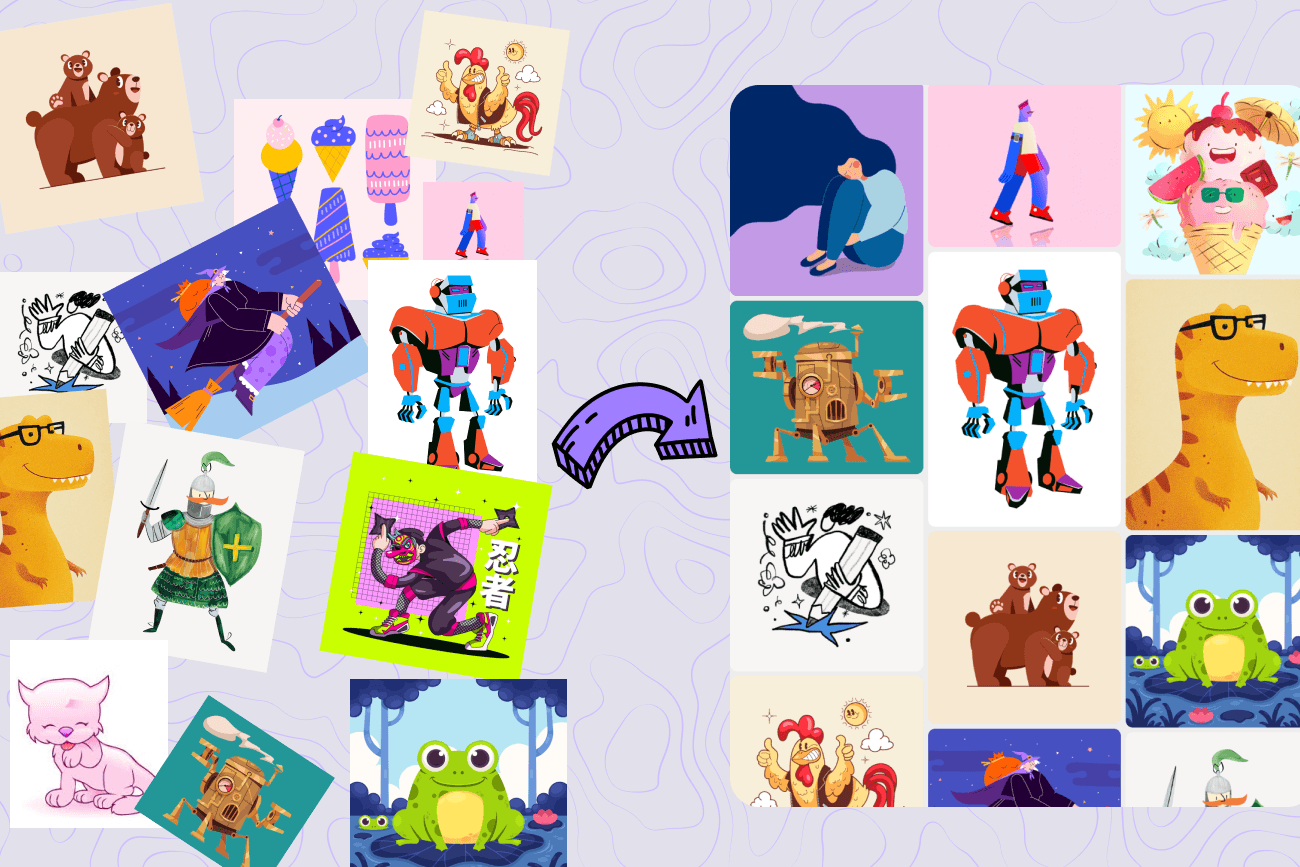
A good reference board is something you use throughout your work, not just at the beginning. When you group images together, you can see patterns and ideas that a single image can’t show you. This kind of insight rarely happens in your file browser.
That’s the problem Refbox aims to solve. It’s a visual workspace where your references sit right next to your work. If you’re interested, there’s a free trial available.
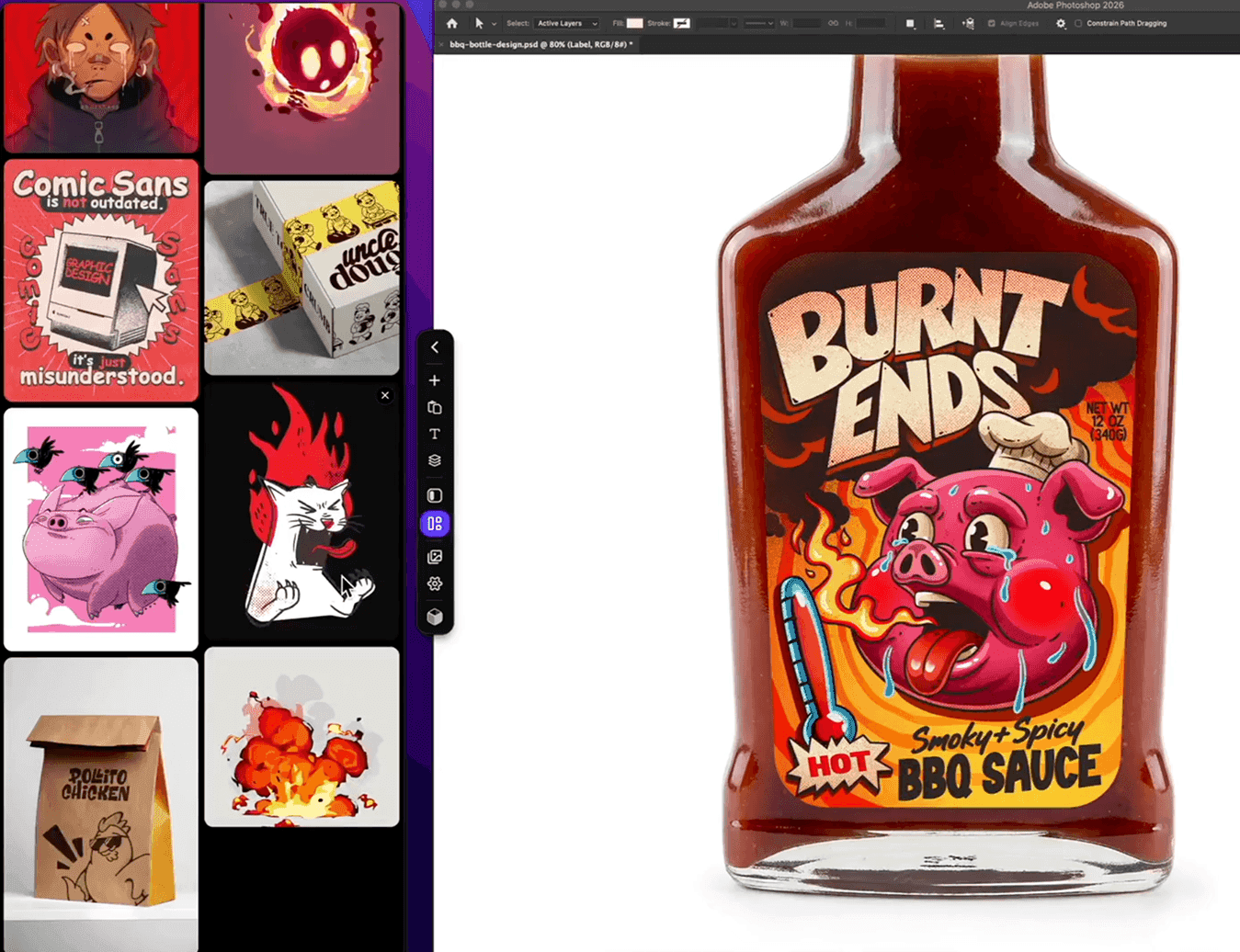
Refbox Desktop App