Free Tools Every Artist Should Know About
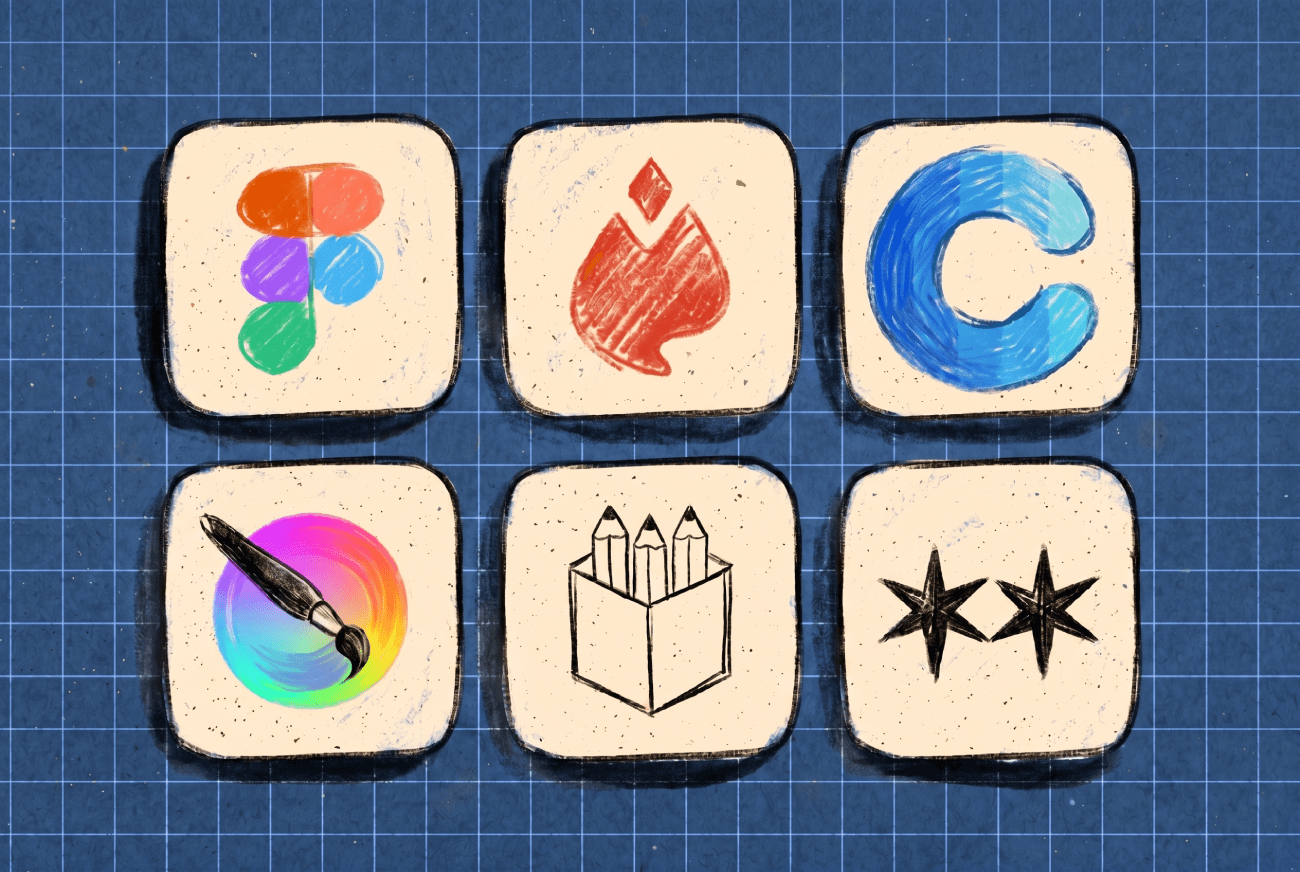
Art software used to be expensive. If you wanted the good programs, you had to pay for them, and that was just how it worked. But things have changed. In the past few years, some of the best tools in the industry have become free, either intentionally or due to competition. Many artists still don’t realize this.
Here’s a short list of tools I use, recommend, or see other artists using all the time. Everything on this list is either completely free or has a free version that actually works for real projects.
For illustrators and digital painters
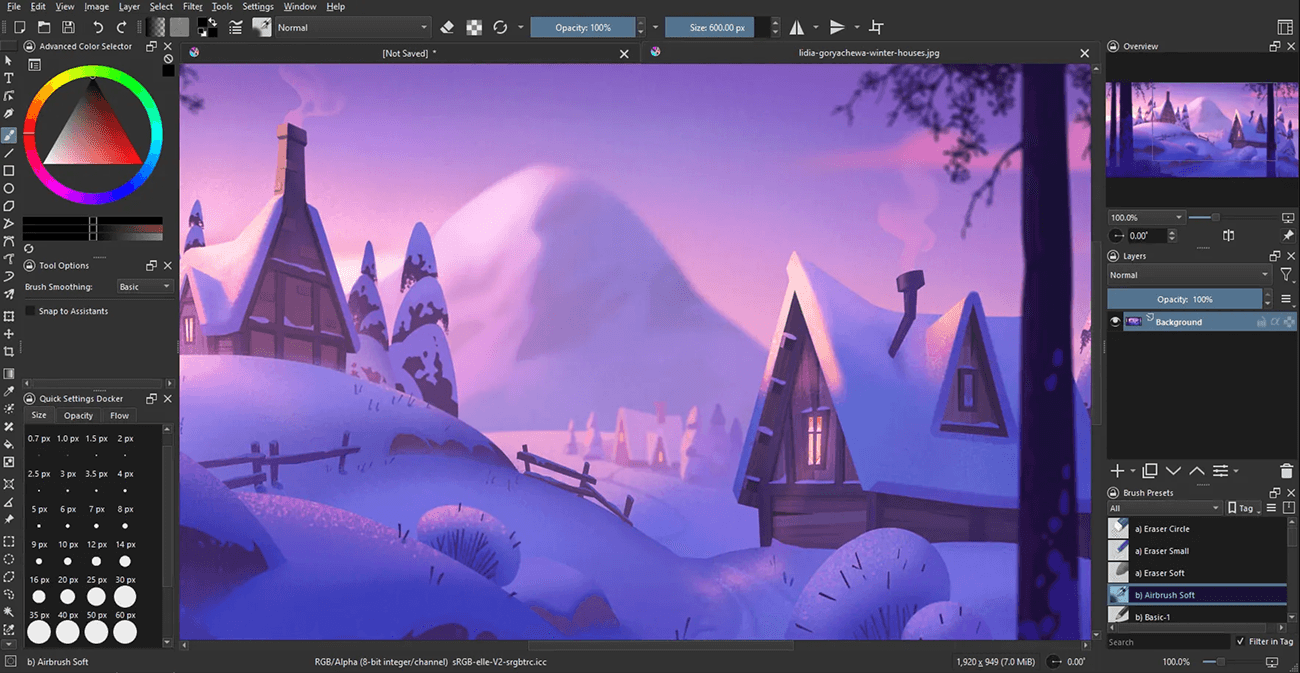
Krita
Krita is free and open source, and it’s been holding its own against paid digital painting software for more than ten years. The brush engine is great. If you’re used to Photoshop, the interface might feel different at first, but you’ll get used to it quickly. If you paint professionally and want to see what a free tool can do, start here.
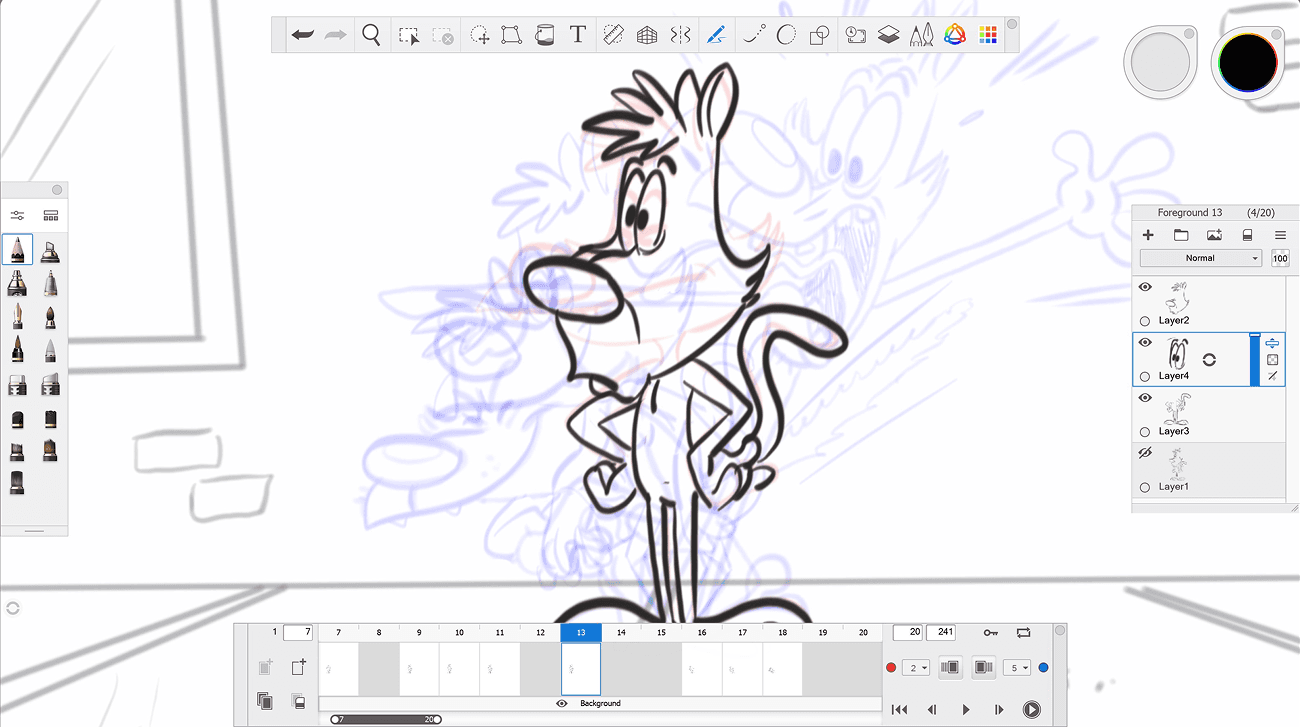
Sketchbook
Sketchbook was once Autodesk’s paid sketching app. In 2018, they made it free, and it’s stayed that way on both desktop and mobile. It’s not as full-featured as Krita, but it’s focused. A clean, fast sketching tool with a great brush engine for quick ideas and concept work.
It’s worth noting that development on Sketchbook has slowed down, so don’t expect big new features. Still, for quick sketching, especially on a tablet, it remains one of the best free choices.
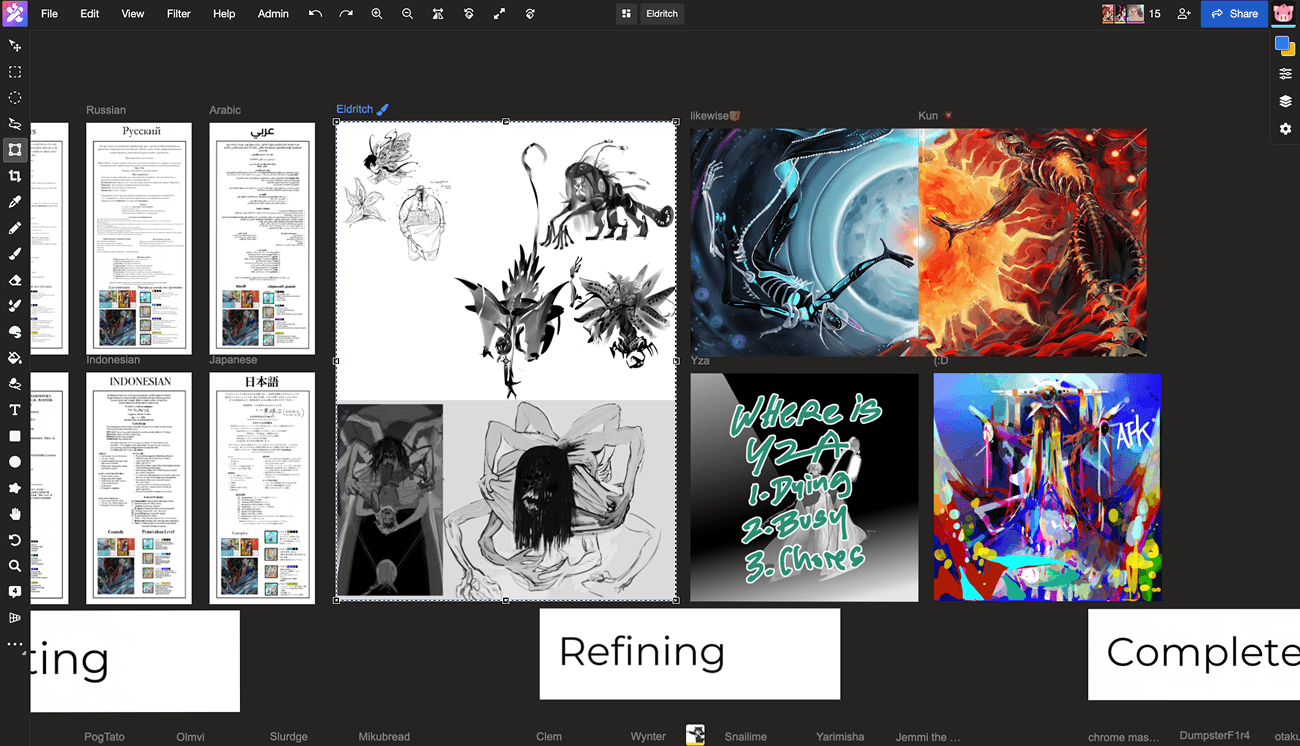
Magma
If you like drawing with friends, teaching, streaming, or just sketching with someone far away, Magma is a tool worth checking out. It’s a multiplayer drawing canvas that runs in your browser, letting up to 50 people work together at once. The free version is enough for most casual needs. Unlike the solo painting apps mentioned earlier, Magma offers a unique group experience.
For designers
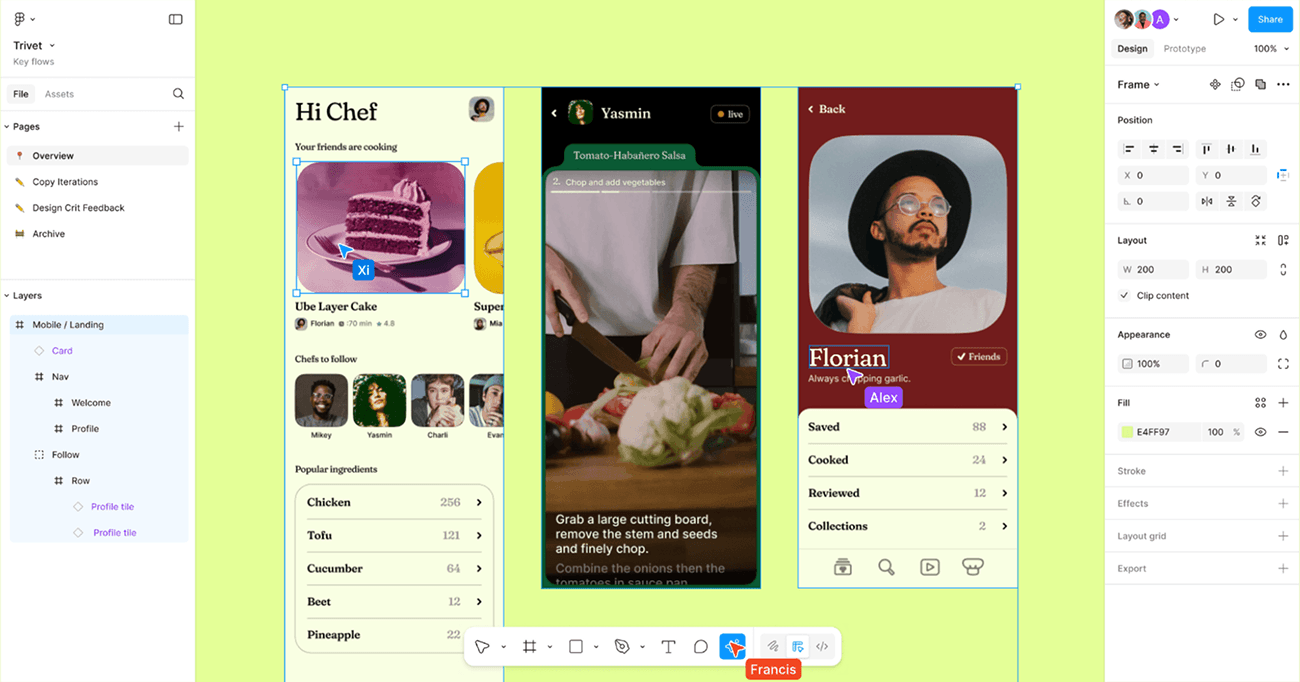
Figma (free tier)
Figma is my daily workhorse. I personally use the paid plan, but the free version is enough for almost anyone who isn’t managing a team. You get unlimited personal files, three collaborative files, and most of the important features. If you work on UI, branding, or anything with vectors, this is the standard.
Figma’s biggest advantage is that it runs right in your browser. There’s nothing to install, no file format problems, and it works on any computer. For students and people just starting out, that’s a bigger deal than it might seem.
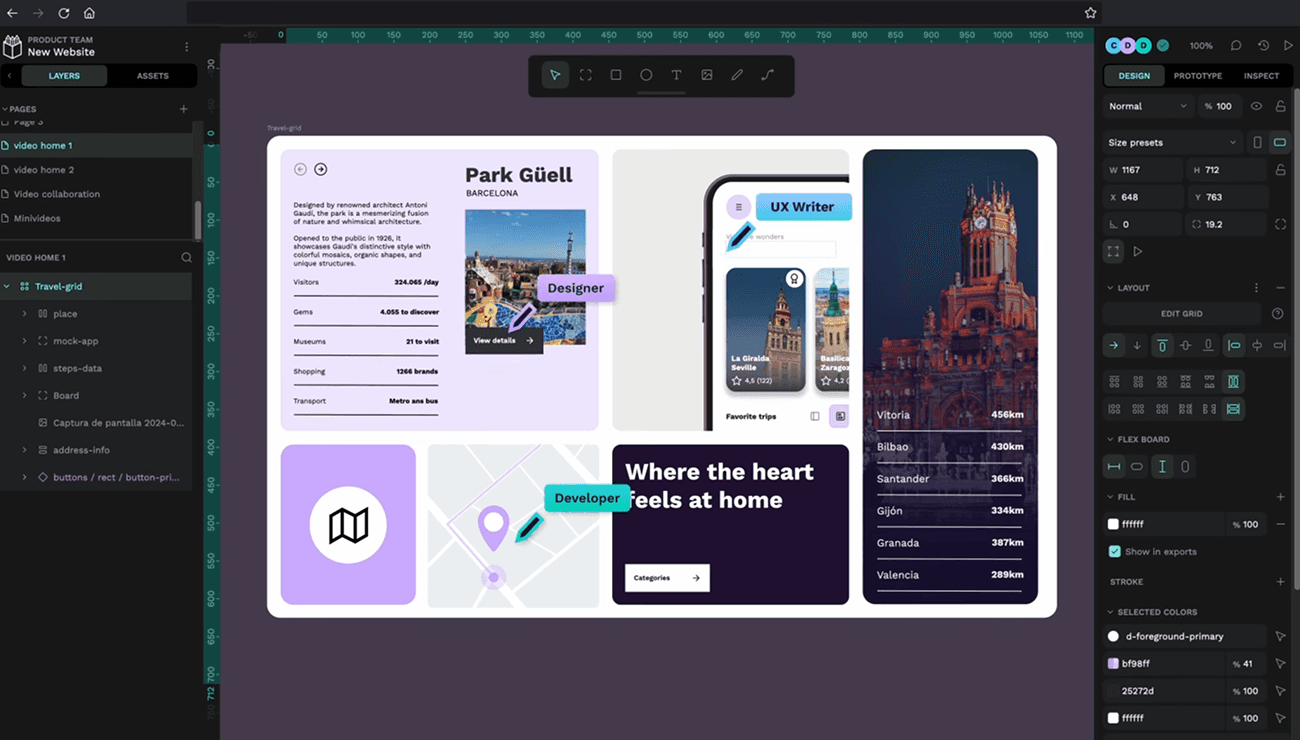
Penpot
Penpot is an open-source alternative to Figma. It’s completely free, runs in your browser, and you can even host it yourself if you want. It has all the main features you’d expect, like design systems, prototyping, and real-time collaboration.
The main reason to choose Penpot over Figma isn’t the price, since Figma’s free tier is generous too. It’s more about ownership. Penpot is run by the community, so it won’t suddenly shift to enterprise AI or get bought out. If you care about that, Penpot is worth considering.
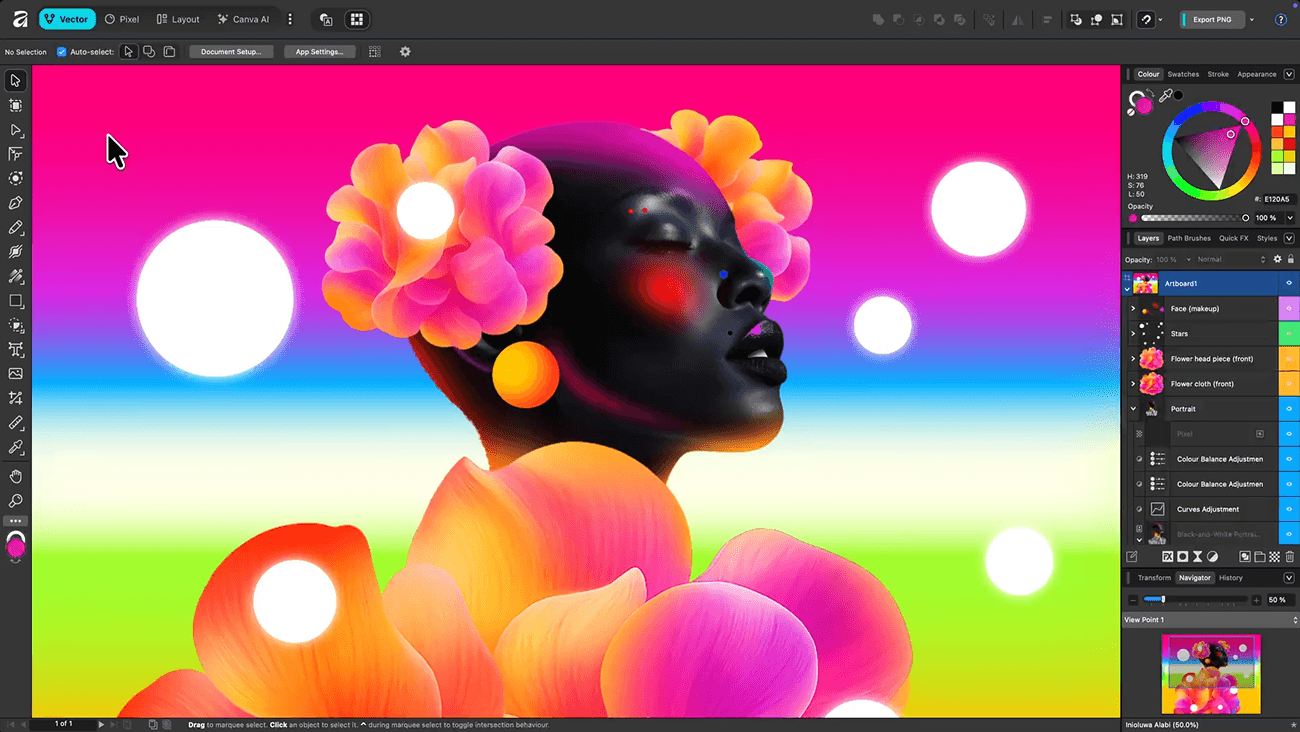
Affinity
This is the newest and most exciting update on the list. Affinity (Designer, Photo, and Publisher, now all in one app) was acquired by Canva a couple of years ago, and since late 2025, the whole suite has been free. It’s a truly professional tool for vector, raster, and layout work at no cost.
If you’re tired of paying Adobe’s monthly fees for Illustrator or Photoshop, this is your way out. Affinity isn’t Photoshop and doesn’t have every plugin or tutorial, but for most design work, it’s more than enough.
The free version uses Canva’s account system, and the AI features are only available with Canva Pro. Still, all the main design tools are included, and you don’t have to pay anything.
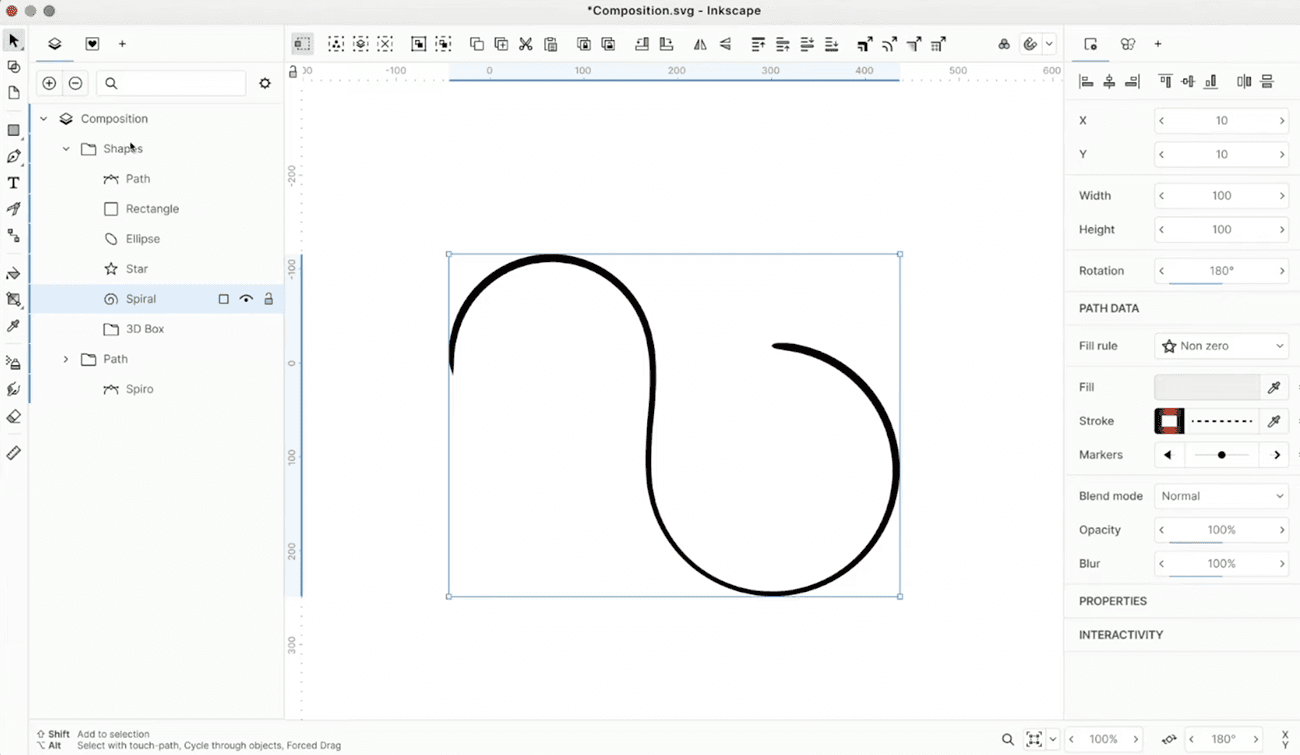
Inkscape
If you want free vector design without using Canva’s account system, Inkscape is a solid choice and has been around for a long time. It’s a bit less polished than Affinity, but it’s fully open source and independent. It’s worth knowing about.
For reference and organization
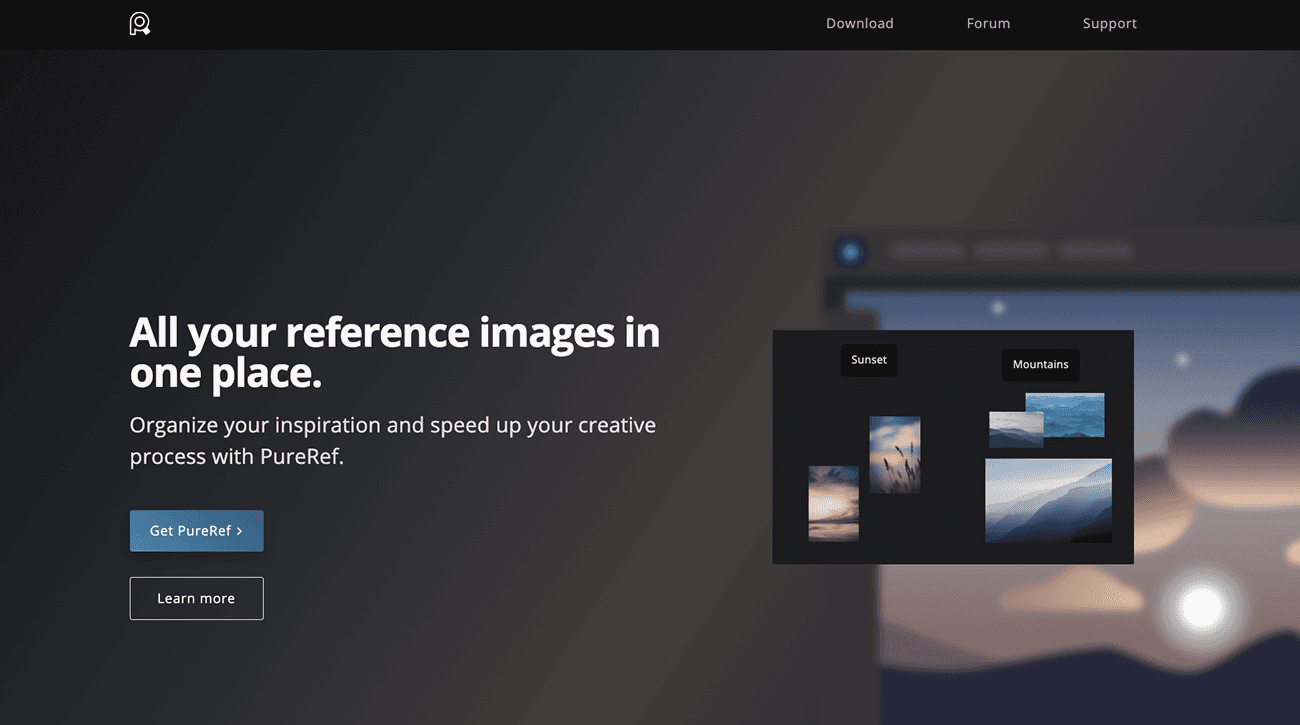
PureRef
PureRef is pay-what-you-want for personal use, so it’s basically free if you’re using it at home. It’s been the go-to reference tool in the art world for years. You can drop images onto an endless canvas, keep it floating above your other apps, and get to work. If you’ve been managing references in Figma or juggling browser tabs, it’s worth giving a shot.
Keep in mind that commercial use needs a paid license (currently $49 one-time for small studios). If you’re using it for client projects or at work, check their pricing.
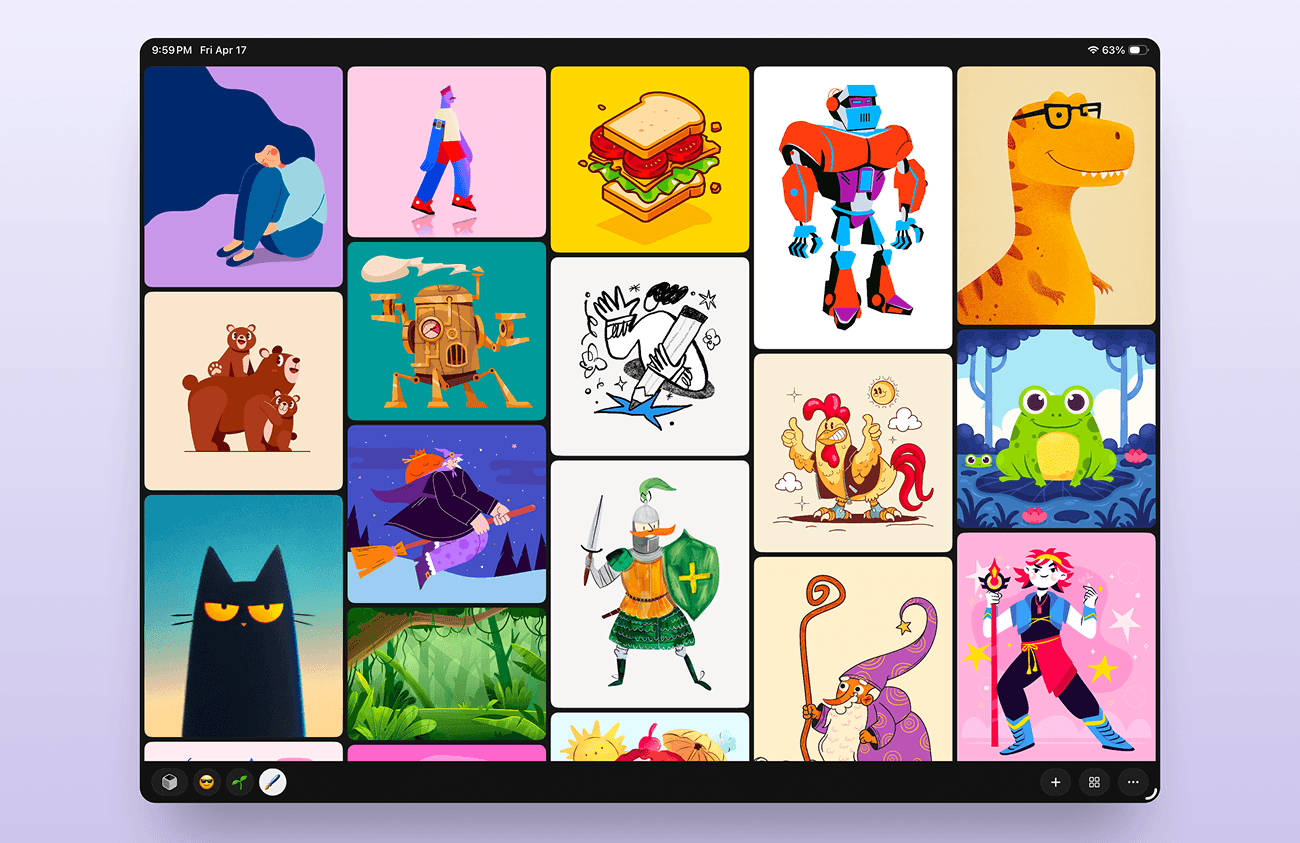
Refbox
I made Refbox because I needed a tool that could work with more file types like video, audio, 3D, and PDFs. I also wanted better project management, easier switching between projects, and a user interface that fit the way I work. Refbox Desktop isn’t free, but you can try it for 7 days.
Refbox Mobile, on the other hand, is free. It’s an iOS app with fewer features than the Desktop version, but it’s still really helpful for iPad illustrators and anyone who wants to use it as a second screen.
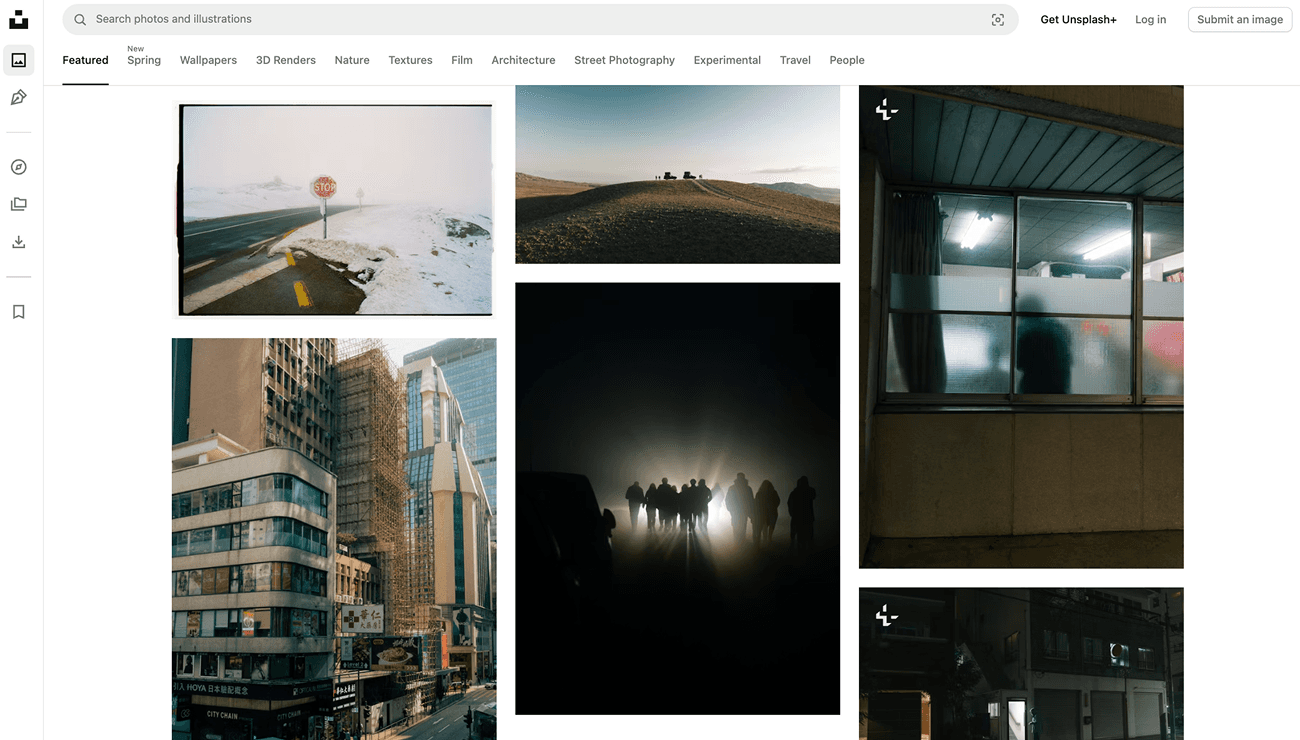
Unsplash
Unsplash isn’t exactly a tool, but it’s a source of free, high-quality photo references and deserves a spot on this list. It’s great for lighting studies, portraits, landscapes, and building your visual library. If you can’t find what you need on Unsplash, I wrote an entire article about other free reference sources here.
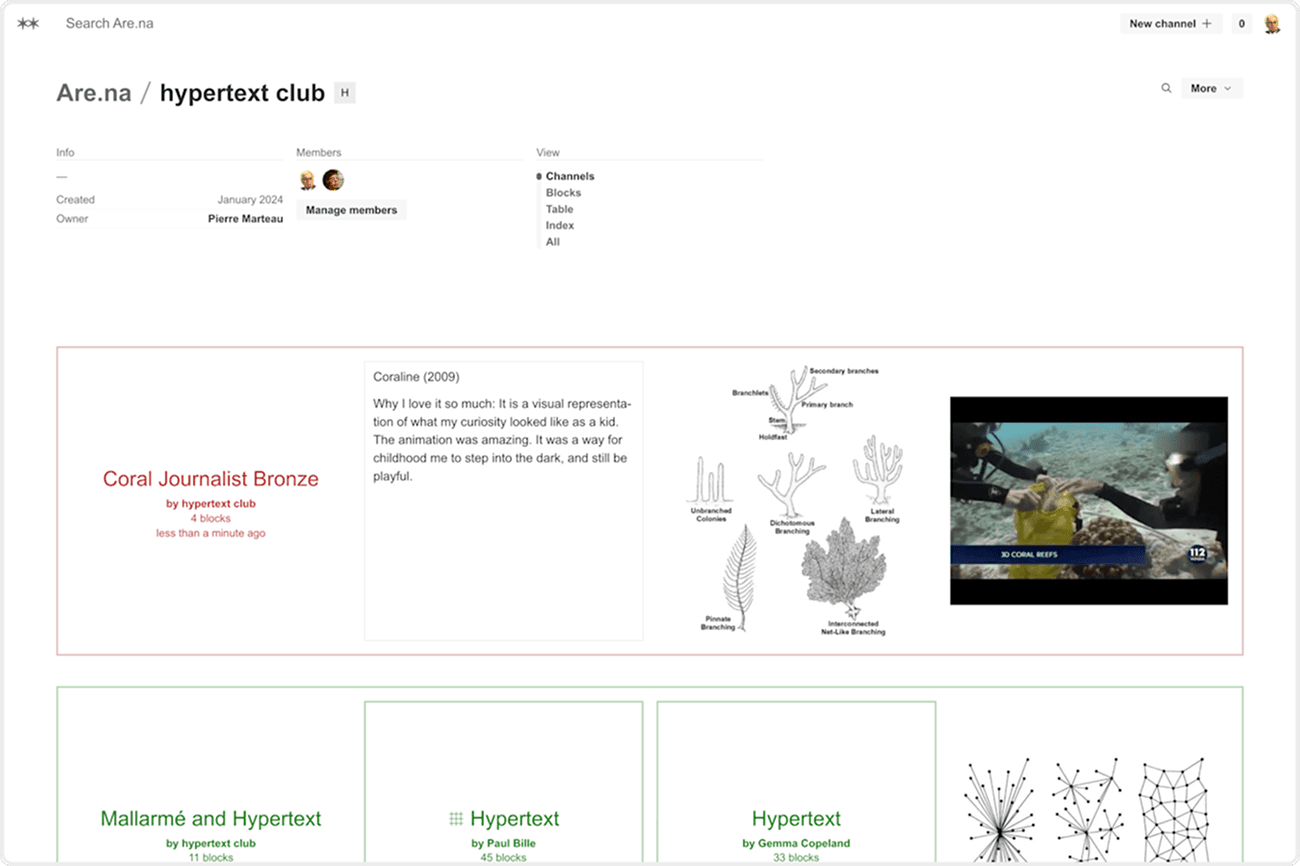
Are.na
If you haven’t heard of it, Are.na is a slower, more thoughtful alternative to Pinterest. Designers and artists use it as a long-term visual notebook. It’s not meant for active project work, but rather for collecting images, articles, and ideas over time.
For color
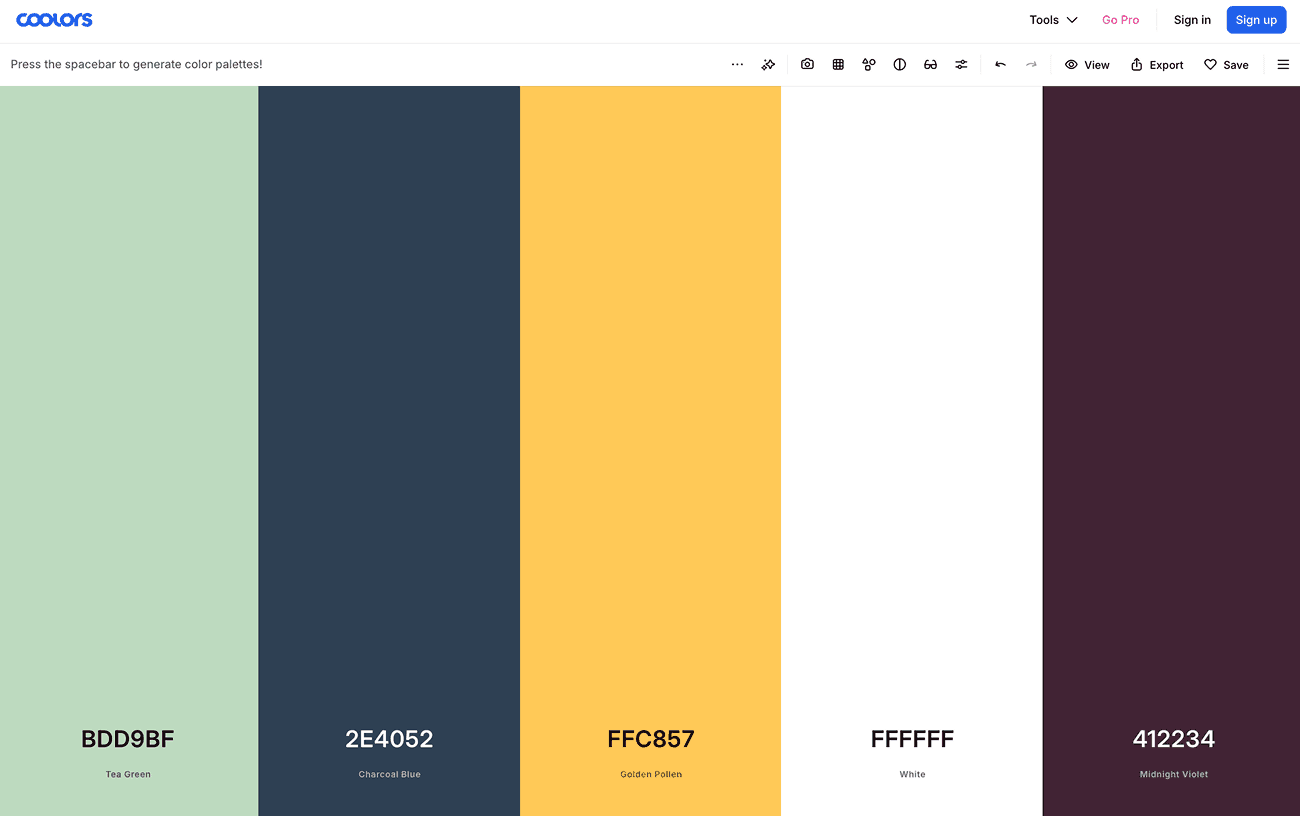
Coolors
Coolors is the quickest color palette tool online. Press the spacebar to generate a palette, lock the colors you like, and press spacebar again to shuffle the rest. That’s the whole app. The free version covers almost everything most artists need. If you’ve ever wasted time searching for the right color, this may be your saving grace.
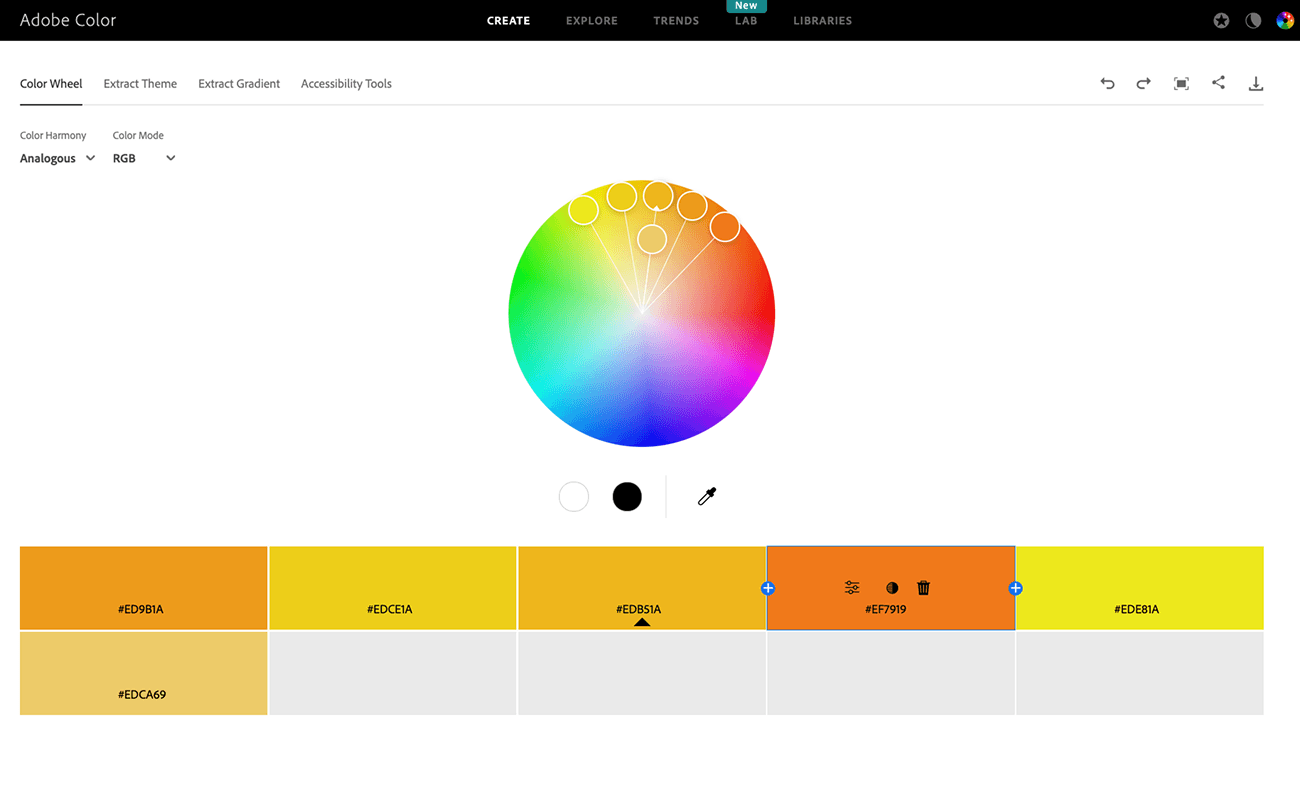
Adobe Color
Adobe Color is free to use even if you don’t have an Adobe subscription, which many people don’t know. The color wheel is reliable, you can pull colors from images, and the explore page is a good place to find palettes.
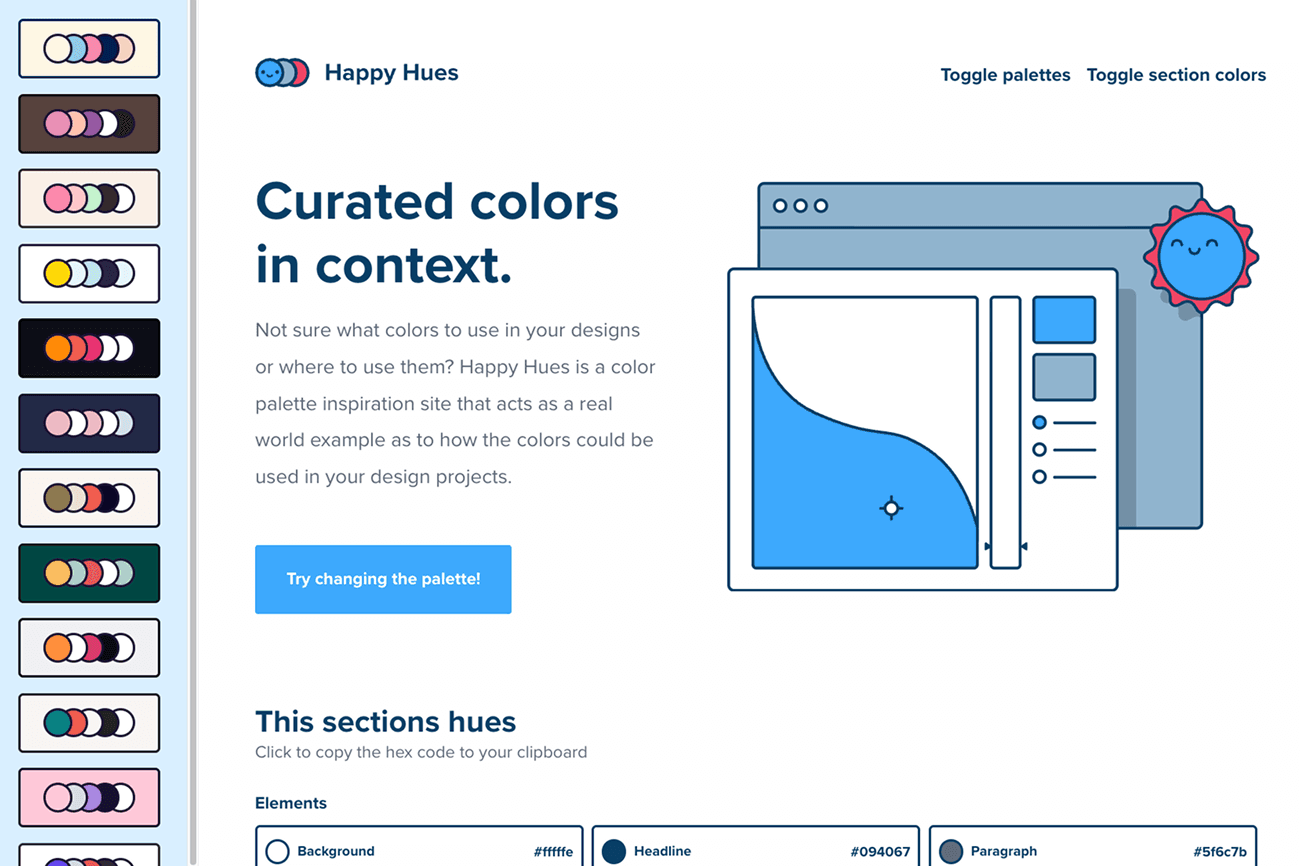
Happy Hues
Happy Hues is a small, one-person project where you choose a color palette from the sidebar, and the whole page updates to show how those colors look in a real user interface: headers, text, buttons, cards, and more. Seeing a palette in context makes choosing colors much easier. There’s no signup, account, or newsletter.
The one I'd skip
I’ll mention one tool here, just to ruffle a few feathers.
Canva isn’t the best choice for serious art and design work. It’s fine for making social media graphics, flyers, or quick mockups. But if you’re reading this blog, you’re probably focused on real creative work, and Canva isn’t designed for that. It’s made for speed and templates, not craftsmanship. Now that Canva owns Affinity, you should install Affinity instead. You’ll get real design software for free, and your work will benefit.
A few more worth mentioning
GIMP is good for free raster editing if you don’t need painting tools. Blender is the go-to for 3D work and one of the most impressive free software stories out there. DaVinci Resolve has a free version that’s better than most paid video editors, so try it if you’re working with motion or animation.
Each of these tools could have its own post. The main point is that the free tool ecosystem is genuinely strong right now. If you’re still paying for something out of habit, check if a free tool can do the job.